💌 Add to Your Telegram Group
To get collony AI running, you need to invite the official bot into your community and give it admin rights. Here’s how:-
Add collony to your Telegram group
Open the target group where collony will act as moderator. Select Add Member, search for @CollonyBot (orcollony.ai), and add it.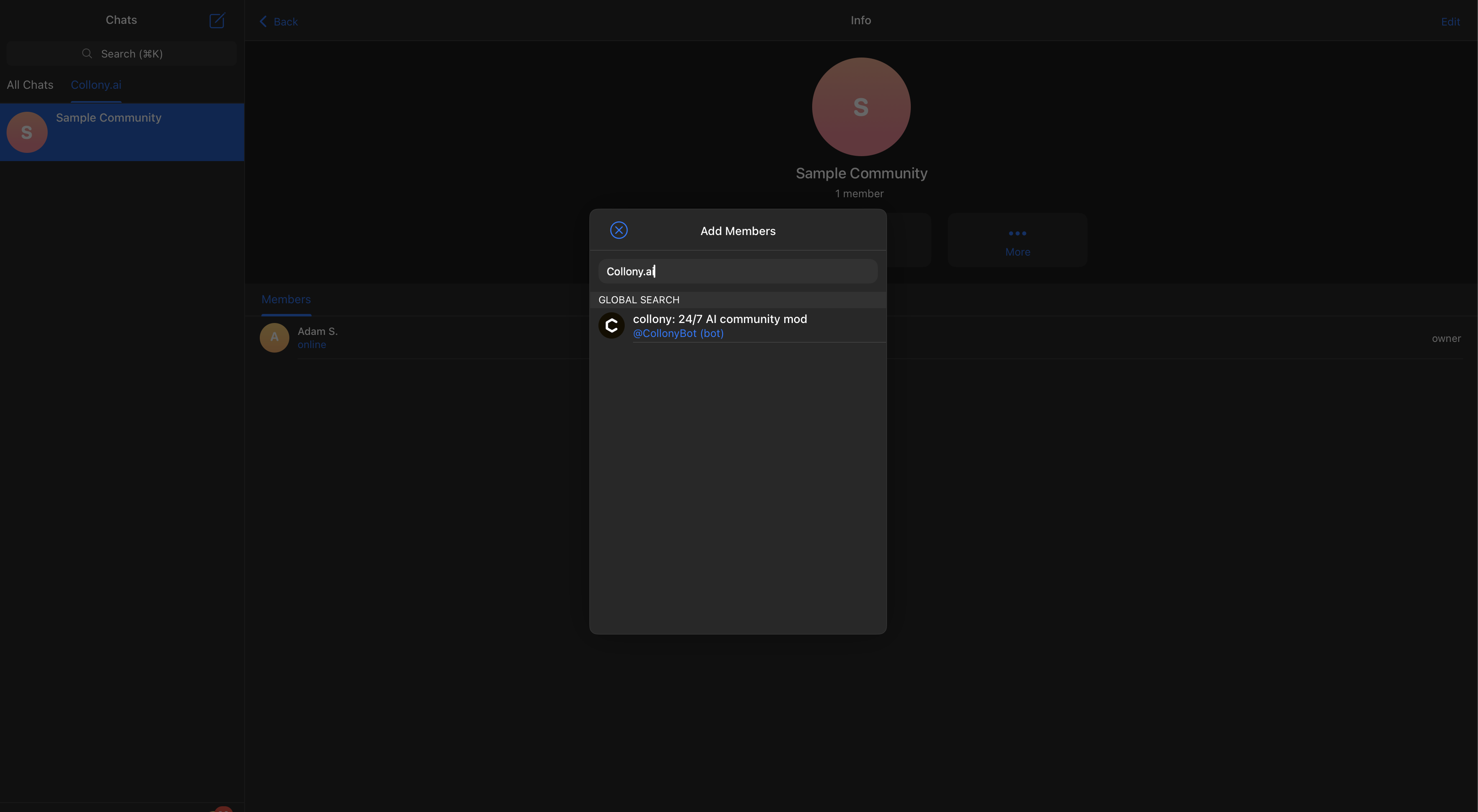
-
Confirm collony’s greeting
After joining, collony will post an automated welcome message in the group.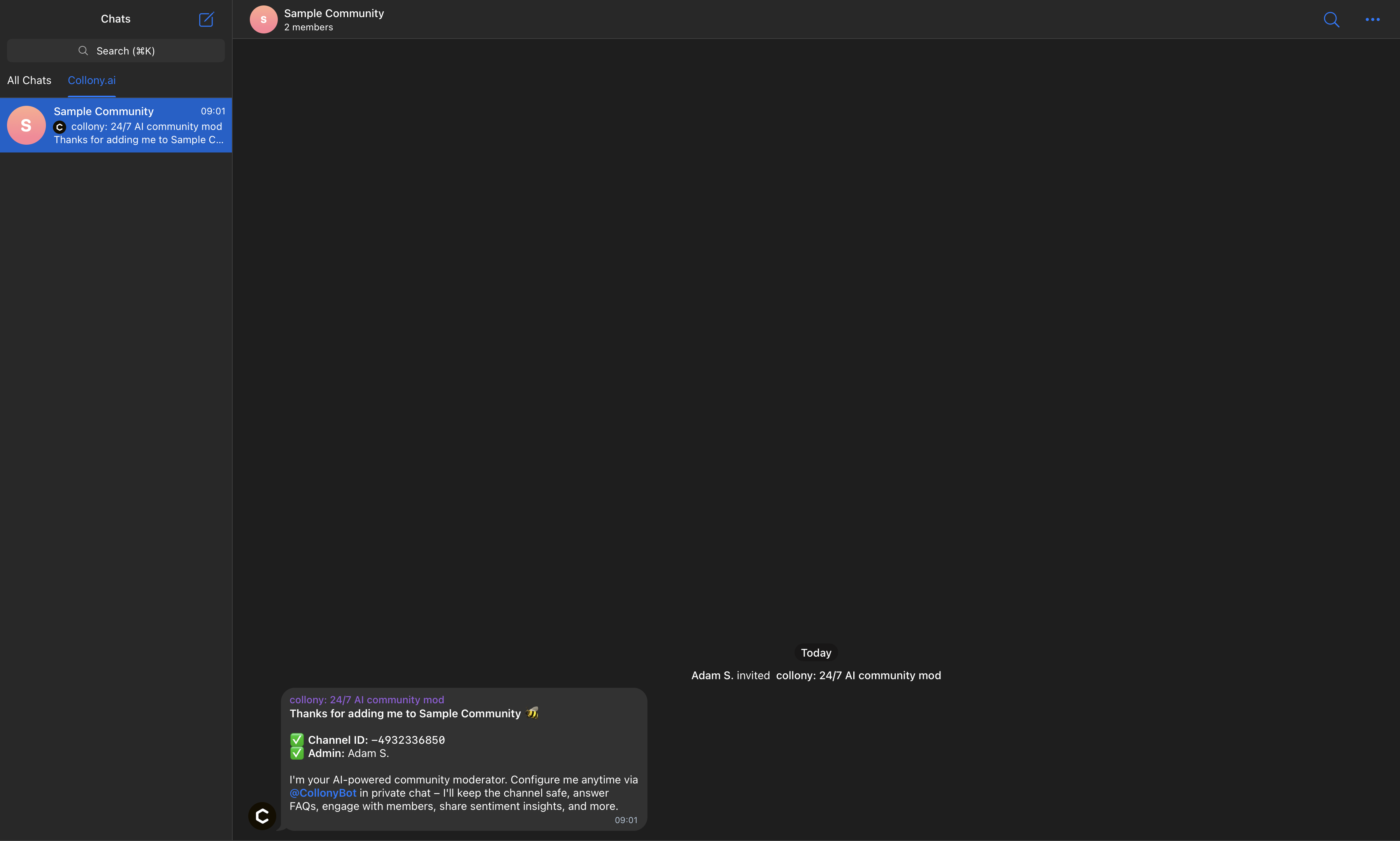
-
Open collony in Telegram
Navigate to @CollonyBot in Telegram and press Start to launch the setup flow.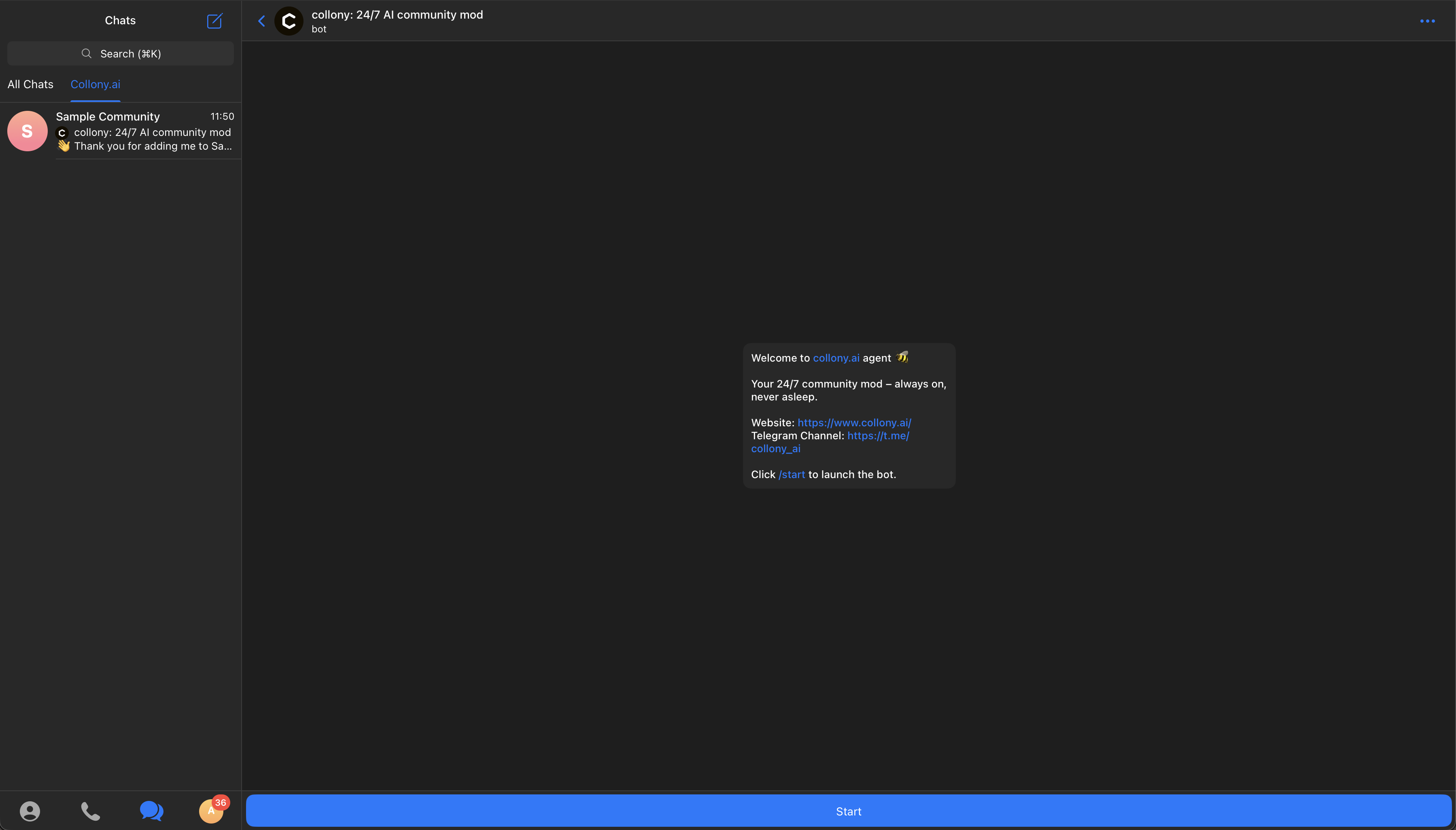
-
Access the setup dashboard
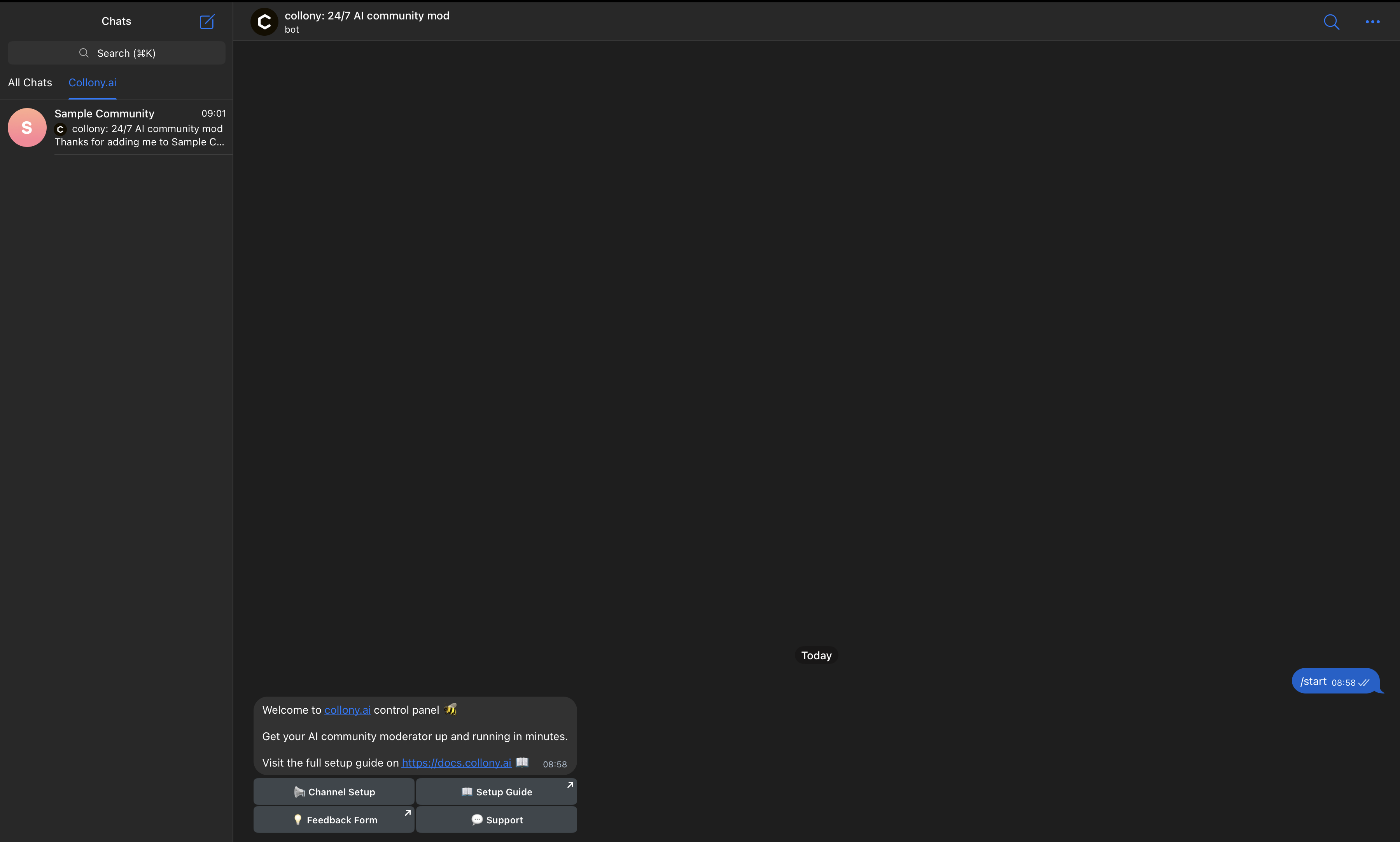
This dashboard is your central hub for configuring moderation rules, FAQs, and bot settings.